Figma plugin
The Tabler Icons Figma plugin lets you search the icon set and insert icons into a Figma file, then change their size, color and stroke width.
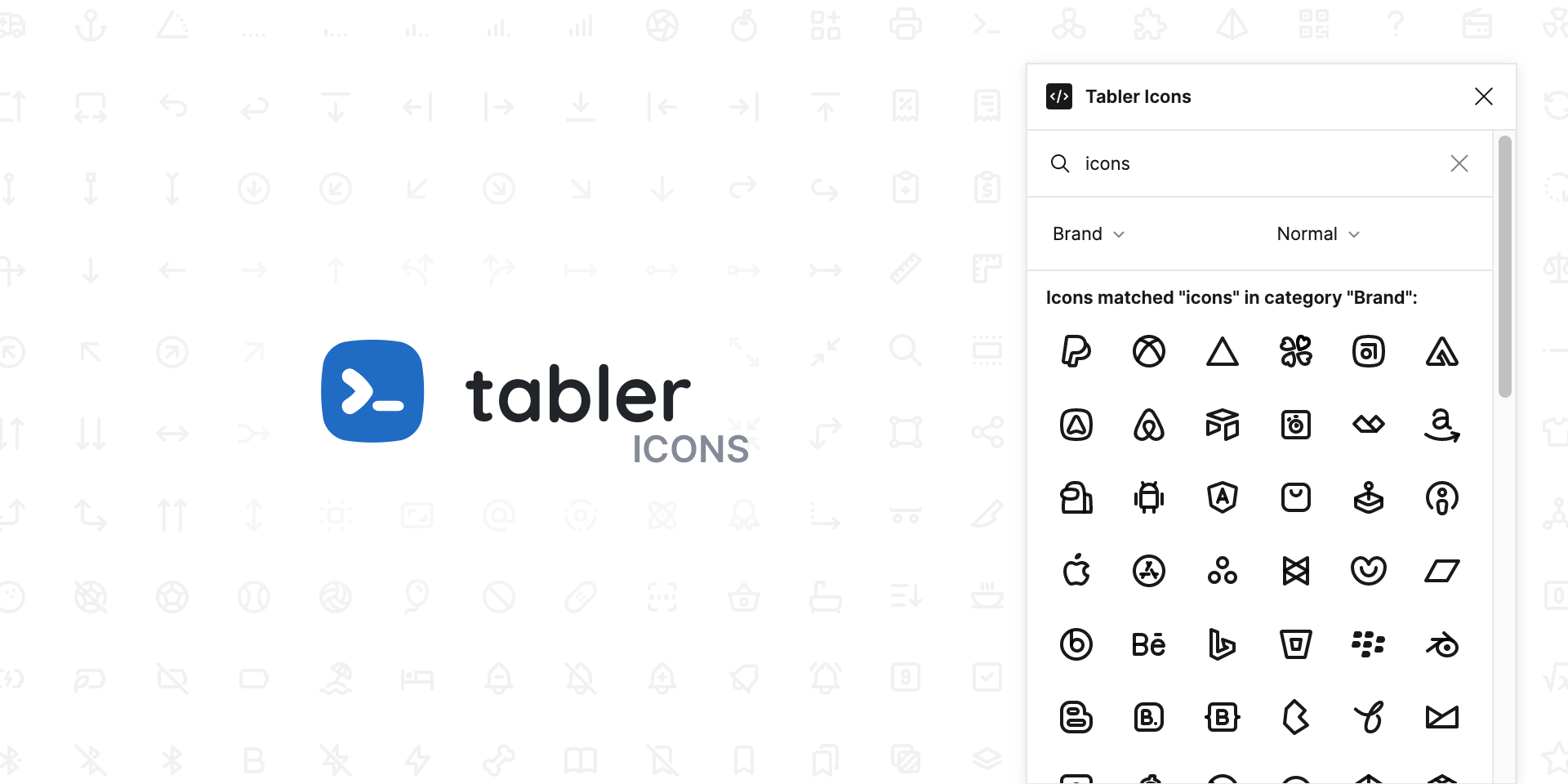
The Tabler Icons Figma plugin puts the whole icon set inside Figma. You search for an icon, preview it and insert it into the design, without switching to the browser to download an SVG. It works the same for dashboards, websites and mobile app designs.
Usage
Install the plugin from the Figma community and open it from the plugins menu in your file. Type a keyword to search, then click an icon to insert it. Once it's in the design, you can change its size, color and stroke width.
To draw your own icons next to the inserted ones, follow the icon design guide. It lists the canvas, stroke and spacing rules the set uses.

